SGComBlueprintFunctionLibrary
These functions can be called from anywhere, but the Initialize and Shutdown functions should generally be used in a game mode or level blueprint, for example. This is in order to ensure that they can be called at the start and end of the game, before any SGComSessionComponent calls are made, and after all necessary SGComSessionComponent calls have been completed.
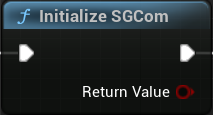
Initialize SGCom: Initializes the SG Com API. This should be called once, at the start of the game, before using any other SG Com functions.
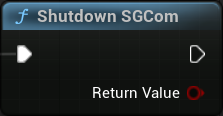
Shutdown SGCom: Shuts down the SG Com API. This should be called once, at the end of the game, after all SG Com Sessions have been ended through EndSession().
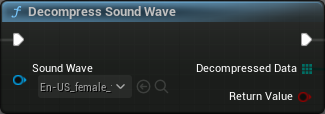
Decompress SoundWave (Editor Only): Helper function. Decompresses SoundWave audio to Raw PCM data that can be passed to SG Com. Loading Behavior Override of the SoundWave needs to be set to Force Inline or the function will fail in packaged builds due to Audio Streaming Caching
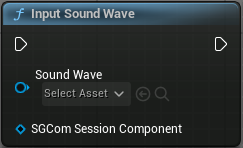
Input SoundWave: Helper function. Suitable for packaged builds. Inputs a SoundWave to the SGComSessionComponent for processing and attaches FSourceEffectSGCom to the audio source. The SoundWave will be decompressed and the raw PCM data will be sent to the SGComSessionComponent. Calls InputAudio() on the SGComSessionComponent internally.
IMPORTANT: When using SourceComponents Unreal Engine provides raw audio in 32 bit float and a sample rate that depends on the current platform (in practice, it defaults to 48000Hz). You need to set your SG Com configuration accordingly, regardless of the audio file you are using.
SGComSessionComponent
A “session” comprises a combination of SG Com Engine and Player for a single character (see Engines and Players). This component covers the majority of SG Com functionality, with the rest being part of the SGComBlueprintFunctionLibrary. A session component should be attached to any character in the scene that you intend to animate locally using SG Com.
Session management
Functions for managing individual SG Com sessions.
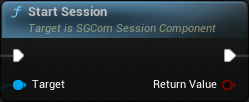
Start Session: Starts the SG Com session based on the provided configuration.
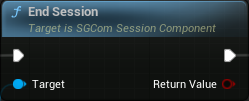
End Session: Ends the SG Com session.
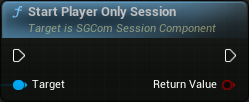
Start Player-Only Session: Starts an SG Com session where the engine is remote.
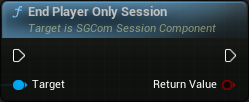
End Player-Only Session: Ends the player-only SG Com session.
Audio input
Functions for managing SG Com Input.
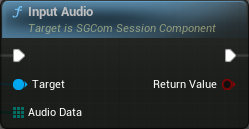
Input Audio: Inputs an array of raw PCM audio data to the SGCom engine.
Animation control
Functions for managing animation generation and playback.
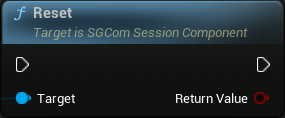
Reset: Resets the SG Com Engine, discarding all animation.
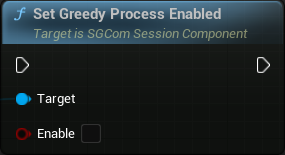
Set Greedy Process Enabled: Enable/Disable greedy processing of audio. If enabled, the Engine will immediately process all available audio. Enabled by default.
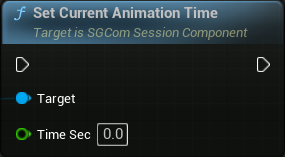
Set Current Animation Time: Sets the current animation time in seconds.
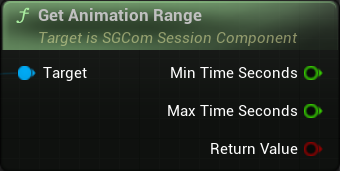
Get Animation Range: Retrieves the time range of the available animation in seconds.
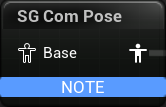
SG Com Pose: Animation node that produces a pose based on the current SG Com Engine values. The values are applied to the Base Pose of the character
Behavior Modes
Functions for using Behavior Modes.
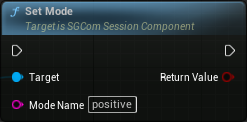
Set Mode: Sets the behavior mode of the character. The input must be one of the available mode names.
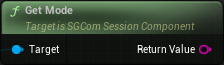
Get Mode: Returns the current behavior mode of the character.
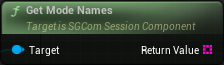
Get Mode Names: Returns an array of strings containing the available behavior modes of the character.
Auto Modes
Functions for using Auto modes.
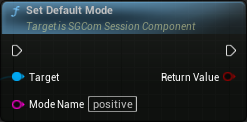
Set Default Mode: Changes the default mode, which is the behavior mode that will be active if no other mode is automatically or explicitly set.
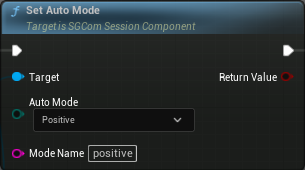
Set Auto Mode: Maps an auto mode to a specific behavior mode of the character. If not specified, the auto mode will not trigger any change in behavior.
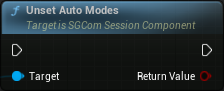
Unset Auto Modes: Clears the auto mode mappings.
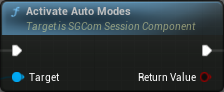
Activate Auto Modes: Activates the auto modes system. Note that using Set Mode to explicitly set the behavior mode will automatically deactivate auto modes. Over the course of dectivation and reactivation, the previously set auto-mode mappings are preserved.
Behavior Modifiers
Functions for using Behavior Modifiers.
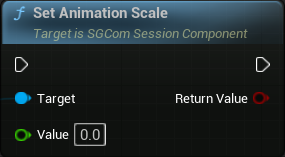
Set Animation Scale: Sets the scale factor of muscle motion (default value: 1.0).
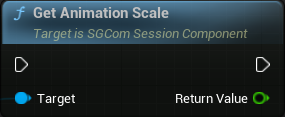
Get Animation Scale: Gets the scale factor of muscle motion.
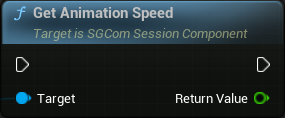
Set Animation Speed: Sets the speed factor of muscle motion (default value: 1.0).
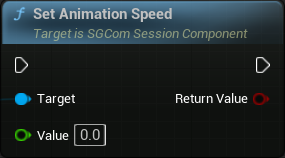
Get Animation Speed: Gets the speed factor of muscle motion.
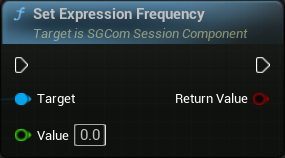
Set Expression Frequency: Sets the frequency of expression change (default value: 1.0).
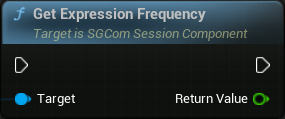
Get Expression Frequency: Gets the frequency of expression change.
Role
Functions for using SG Com Roles.
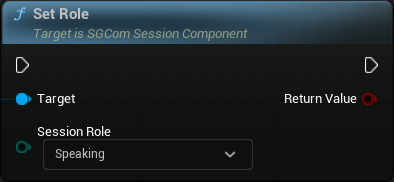
Set Role: Sets the session role (Speaking/Listening).
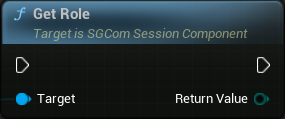
Get Role: Gets the session role.
Metadata updates
Event callbacks that can be be used for tracking or reacting to specific changes in SG Com algorithms. See Metadata updates.
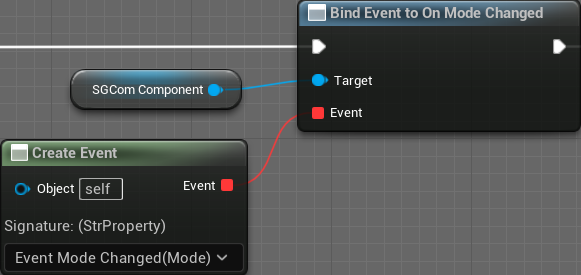
On Mode Changed: Event callback that is triggered when the character's mode changes.
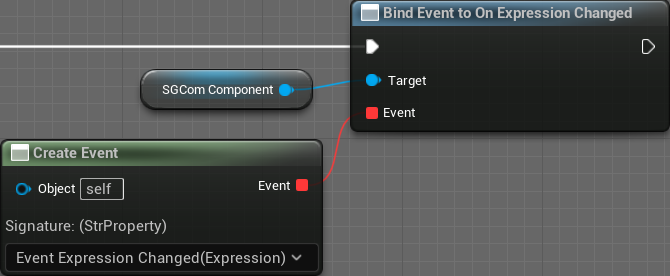
On Expression Changed: Event callback that is triggered when the character's expression changes.
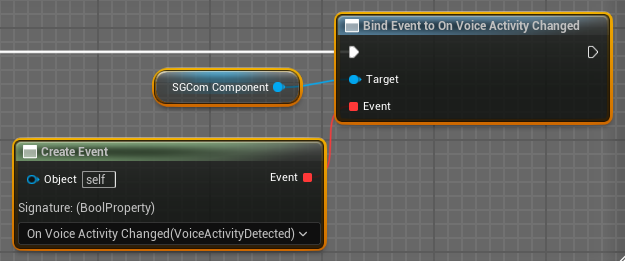
On Voice Activity Changed: Event dispatcher that is triggered when voice activity change is detected. Returns "true" for voice and "false" for silence.