
The audio view shows the waveform. Optionally, it can also include a spectrogram (grayscale or color); see Display settings.
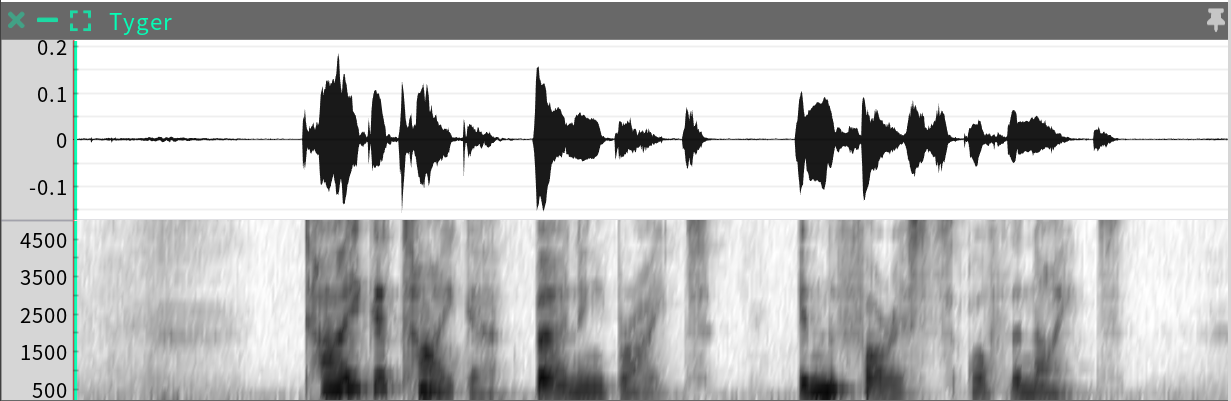
When an Audio sequence is selected, the Sequence display in the Inspector will show this layout:
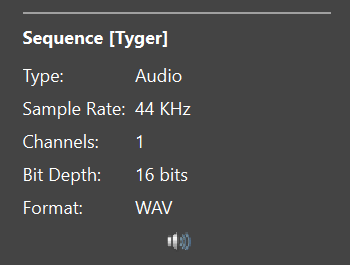
which lists the following properties:
|
Property |
Description |
|
Sample Rate |
The sample rate of the audio file. |
|
Channels |
The number of channels. Note that SGX processing requires single-channel audio (see Supported sample types). |
|
Bit depth |
The bit depth of the audio. |
|
Format |
The audio file format. |
The speaker icon at the bottom of the Audio properties

may be clicked to mute/unmute the audio for playback.