
To install the language modules,
-
Download the latest versions of the language modules you have licensed. (From the Downloads landing page follow SGX 4 > Language Modules.) Each module is a single
.kfile. -
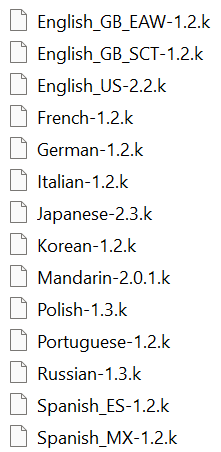
Place all of the language modules you will use into a single folder on your system. Below is an example of the folder contents.
-
In SGX Director, provide the location of this folder in the Processing settings.