
The Muscles tab displays all of the muscles in the Character Control File.
For now, muscle pose editing is not available in Unreal. To edit muscles in Maya, see Editing Muscles.
For MetaHumans created in Unreal Editor 5.6+, muscles controlling the body are disabled in live animation for UE 5.6 only, so head and torso muscles have no effect in the live view. This limitation does not impact imported animation, nor UE 5.7+.
Muscle activations update in real time during animation streaming from SGX Director. See Streaming Animation.
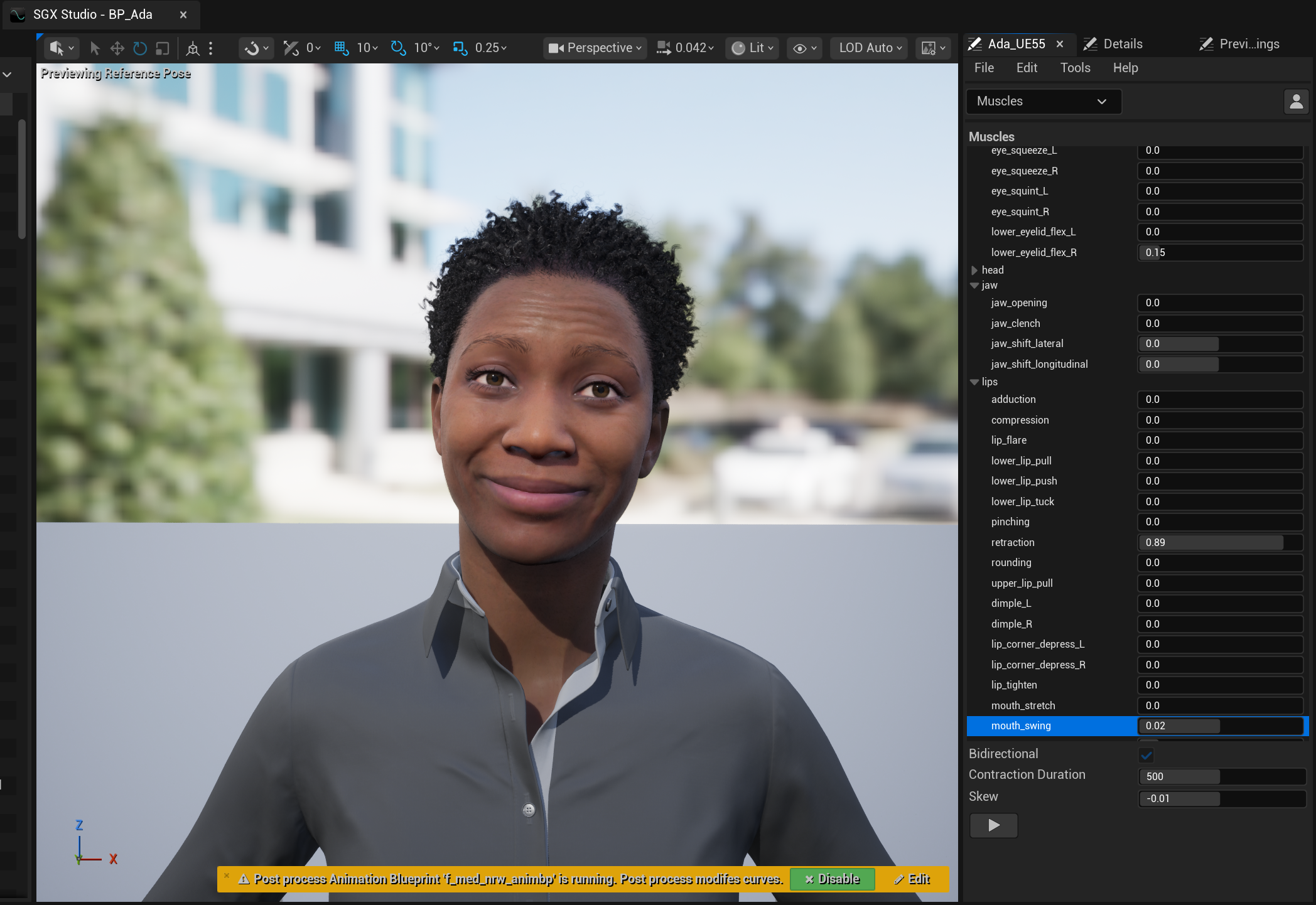
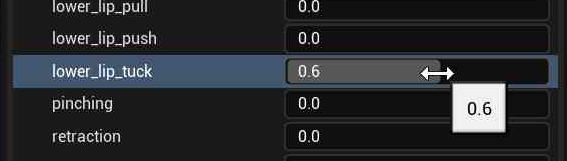
Muscle poses can be manually activated by dragging the sliders.
Additionally, you can visualize the movement of a given muscle – from the relaxed state to its current value and back – by clicking the ‘play’ button in the muscle properties section. This appears after selecting a muscle.
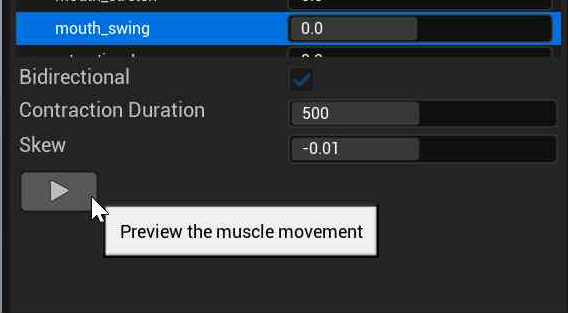
The resulting animation illustrates the dynamic characteristics of the muscle in isolation.